
 10 Best Hiking Trails in the US
Let your AI actually run your WordPress site
You already pay for Claude or ChatGPT. Connect it to your site and it can write posts, fix your SEO and update your WooCommerce shop, with 250+ WordPress tools. Posts arrive as drafts and risky changes wait for your approval. Free to start.
- Free plan,
no card - Setup takes
2 minutes - Your AI,
no second bill - Works on any
WordPress site
- AI workson your site
- You reviewthe drafts
- Publishwhat you approve
Your site, being fixed page by page
wptaskify is a managed Model Context Protocol (MCP) server for WordPress. It connects Claude, ChatGPT and Cursor to the WordPress REST API over JSON-RPC, so your AI can write and publish content, run WooCommerce and fix on-page SEO on your live site, with every post saved as a draft first.
Updated September 2026Your AI does the work, on your real site
Not in a chat window. Ask in plain words and it works on the live site, counted from the tools it actually has.
What happens when you ask it something
Four parts talk to each other. None of them needs anything from you after setup.
Tell Claude, ChatGPT or Cursor what you want done.
Write a post about our spring menu and add a photo.
Over MCP it reads the list of tools wptaskify offers and chooses the ones the job needs.
Through the WordPress REST API, with the separate application password the plugin created.
Posts land as drafts. Risky actions wait in your approval inbox.
https://wptaskify.com/mcp
https://wptaskify.com/mcp/store
A simple plugin for a powerful AI connection
The free wptaskify Search Signal plugin links your WordPress site to our MCP server. Install it from your dashboard and it sets up the connection for you. No code and no files to edit.
Free forever · WordPress 5.6 or newer · No account needed for the SEO features
Free in the plugin, even without connecting
No account and no external requests needed for these.
Connect your site in three steps
You do not install anything on your computer and you do not edit any files. In a few minutes your AI can start working on your WordPress site.
Sign up at wptaskify.com. No card and no trial timer.
One click from your WordPress dashboard. It creates its own application password and hands it over encrypted.
In Claude: Settings, Connectors, Add custom connector. In ChatGPT: Settings, Connectors, Developer mode.
Paste https://wptaskify.com/mcp and sign in.
A few simple requirements
Works on most WordPress sites and the popular AI apps.
Live on real WordPress sites
No stock screenshots. These are live sites run with wptaskify today. Open any of them.
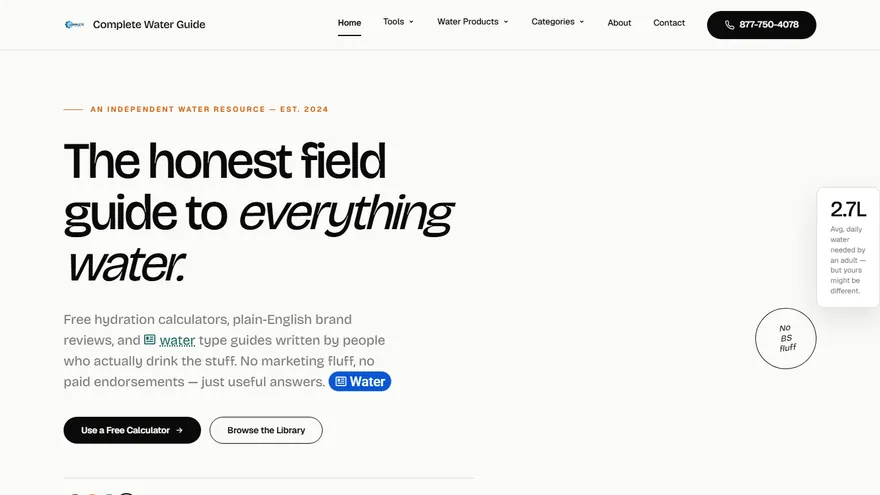 PinterestPins from the guidescompletewaterguide.comOur own siteWordPress long-form guides, with Pinterest pins made from them.WordPress230 postsPinterestInfographic pins
 ElementorLayouts edited by AIurgences-immobilieres.frClient site623 Elementor listing pages, with content and on-page SEO in French.Elementor623 listing pagesSEOFrench on-page SEO
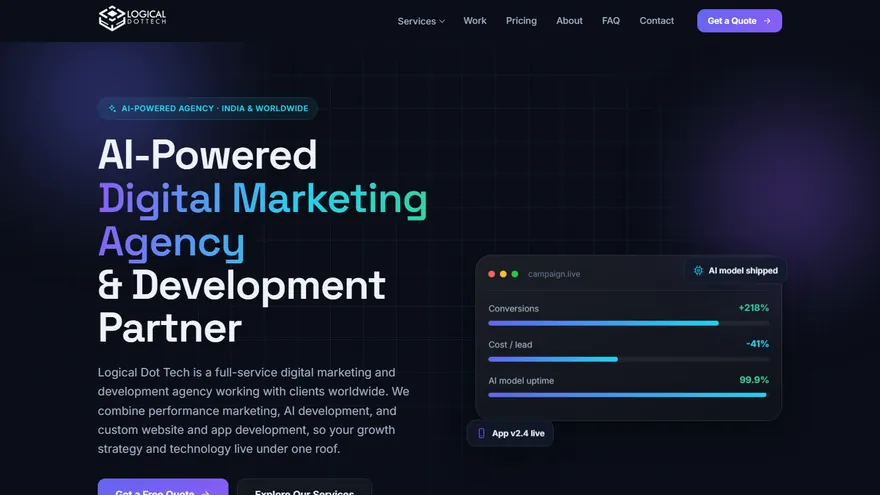 Search ConsoleHome-page SEOlogicaldottech.comClient siteAI agency site. Page structure and home-page SEO built through wptaskify.WordPress57 pagesSEOHome-page SEO
 PinterestPortfolio pinsgsartzone.comClient siteArt blog recovered from zero organic: 228 posts re-optimized, sitemap rebuilt.WordPress228 postsPinterestPortfolio pins
 WordPressMember platformradarspector.frClient sitePlatform for French property agents to find and follow urgent sales.WordPressMember platformFranceFrench market
 WooCommerceBook shopartagan.frClient siteThe author's official site, with a book and ebook shop.WordPressAuthor siteWooCommerceBook shop
How wptaskify compares
A managed WordPress MCP server next to running an open-source MCP yourself or drawing Zapier or Make workflows.
- EasierOne plugin, one URL. Started in minutes.
- SaferDrafts, approvals and undo. You stay in control.
- More powerful250+ WordPress tools, vs 40 to 145 in open-source MCPs.
- Built for real usersStore owners, agencies and freelancers. No server or code.
What it can and cannot do to your site
The honest version, because this is the part worth being careful about.
Posts are saved as drafts unless you ask for them to be published.
Your AI is told to ask first before switching a theme, turning off a plugin, editing .htaccess or deleting in bulk.
Roll a post back to any revision, undo a theme switch in one step and restore server files from automatic backups.
The plugin creates an application password, not your login. It is encrypted with AES-256-GCM and you can revoke it in WordPress.
Every action is written down with a time, so you can see what was done and when.
Remove the connection from your dashboard or deactivate the plugin and access stops at once. We do not train AI on your content.
Choose the plan that fits your workflow
Bring your own Claude or ChatGPT. Pay one flat fee for the tools and MCP server.
- 1 site / brand profile
- 500 AI actions / month
- Basic content + SEO tools
- Connect your own Claude or ChatGPT
- 1 site / brand profile
- WordPress + Shopify tools
- Pinterest pins & scheduling
- Google Business Profile (coming soon)
- 5,000 AI actions / month
- 50 image credits / month
- Full publishing & SEO tools
- Connect your own Claude or ChatGPT
- Up to 5 sites / stores
- WordPress + Shopify tools
- Pinterest pins & scheduling
- Google Business Profile (coming soon)
- E-commerce & store tools
- Studio + theme edits + backups
- 20,000 AI actions / month
- 150 image credits / month
- Multi-channel scheduling
- Connect your own Claude or ChatGPT
- Up to 20 client properties
- WordPress + Shopify tools
- Pinterest pins & scheduling
- Google Business Profile (coming soon)
- E-commerce & store tools
- Studio + theme edits + backups
- 100,000 AI actions / month
- 500 image credits / month
- Team access (3 seats)
- Connect your own Claude or ChatGPT
You bring your own AI, so there is no second AI subscription.
WordPress MCP questions, answered
The short answers. Anything else, ask us directly.
01What is a WordPress MCP server?
It is the piece that lets an AI such as Claude or ChatGPT use your WordPress site through the Model Context Protocol. Your AI asks the server what it can do, gets a list of tools, and calls them to write posts, fix SEO or update products. wptaskify runs that server for you, so there is nothing to host.
02How do I connect Claude or ChatGPT to WordPress?
Create a free wptaskify account, install the wptaskify plugin from your WordPress dashboard, then add https://wptaskify.com/mcp as a custom connector in Claude or ChatGPT. It takes about two minutes, with no files to edit.
03Will the AI publish or break things without asking?
Posts are created as drafts unless you ask for them to be published. Your AI is told to send risky actions, such as switching a theme, turning off a plugin or deleting in bulk, to your approval inbox first. Post edits can be rolled back from revisions and a new theme can be undone in one step.
04Does it work with WooCommerce?
Yes. Products, variations, stock, sale prices, coupons, orders, customers and reviews, 42 tools in all. Store tools use the second connector URL, https://wptaskify.com/mcp/store, on MCP Pro and above.
05Does it work with Yoast or Rank Math?
Yes. It writes SEO titles, meta descriptions and focus keywords to whichever of Yoast or Rank Math is active, and works without either.
06What do I need to use it?
A self-hosted WordPress site on WordPress 5.6 or newer and PHP 7.4 or newer, with the REST API reachable, and an AI app that supports MCP connectors. Free WordPress.com sites cannot install plugins, so they are not supported.
07Can it fix my site when it shows a white screen?
Yes, if you also connect SFTP from your host. Your AI can then read the PHP error log, turn off the plugin that caused it and switch to a default theme, even when wp-admin will not load.
08Do I pay for Claude or ChatGPT separately?
Yes, you use your own AI account, billed by Anthropic or OpenAI. wptaskify charges a flat monthly fee for the tools and the server, starting with a free plan.
Get AI tips, new tools and updates in your inbox.
For site owners, stores and agencies who run WordPress, Shopify and Pinterest with their AI.