Does ChatGPT support MCP?
Yes. ChatGPT supports the Model Context Protocol (MCP), the open standard that lets an AI assistant talk to external tools and data through a connector. Once you add an MCP server as a connector, ChatGPT can call the tools that server exposes instead of only chatting.
MCP is the same standard Claude, Cursor and other assistants use, which is why a single MCP server can work across different AI clients. For WordPress, that means one connector gives ChatGPT the ability to actually work on your site.
What is MCP, in plain terms?
MCP is a universal adapter between an AI and your tools. Before MCP, every integration was custom. With MCP, any compliant AI client can connect to any compliant server and immediately use its tools, with no bespoke code in between.
Think of the AI as a power tool and MCP as the standard socket. Plug in a WordPress MCP server, and ChatGPT gains a set of WordPress abilities, create a post, update SEO, generate an image, that it can trigger on your instruction.
Which ChatGPT plans support MCP connectors?
MCP connector support in ChatGPT is a feature of the paid tiers rather than the free plan, and the exact availability shifts as OpenAI rolls features out. As a rule, if you are on a paid ChatGPT plan you can add connectors; on the free plan you generally cannot.
Because plan details change, check ChatGPT's own connector settings for the current state. What does not change is the pattern: a paid plan, a connector, and an MCP server URL to point it at.
What can ChatGPT actually do on WordPress with MCP?
Once connected to a capable WordPress MCP server, ChatGPT can do real work, not just describe it. Typical actions include:
- Write and publish posts: draft an SEO-ready article and publish or schedule it.
- Fix SEO: update titles, meta descriptions, internal links and schema.
- Generate and set images: create a featured image and attach it.
- Manage content: edit pages, categories, tags and redirects.
- Run a store: on WooCommerce or Shopify, create products, write descriptions and process orders.
The exact list depends on the server. A basic server exposes a few tools; a full one like wptaskify exposes hundreds, which is what lets ChatGPT run an entire site.
How do you connect ChatGPT to a WordPress MCP server?
The flow is short and the same for most servers:
- Set up a WordPress MCP server, usually by installing a connector plugin on your site and authorizing it.
- Copy the server's MCP URL.
- In ChatGPT, open connector settings and add the MCP server URL.
- Ask ChatGPT to do something on your site, and approve the action.
For a step-by-step WordPress walkthrough, see our guide on connecting WordPress to Claude or ChatGPT.
Is it safe to let ChatGPT change my site?
It can be, with the right guardrails. The safe pattern is an approval step before anything goes live, plus automatic backups before changes. That way ChatGPT can prepare the work, but you decide what actually publishes.
Avoid connectors that give an AI unrestricted write access to a production site with no review. Look for approval flows, backups and clear permissions, so a mistaken instruction never becomes a live problem.
Using ChatGPT on WordPress with wptaskify
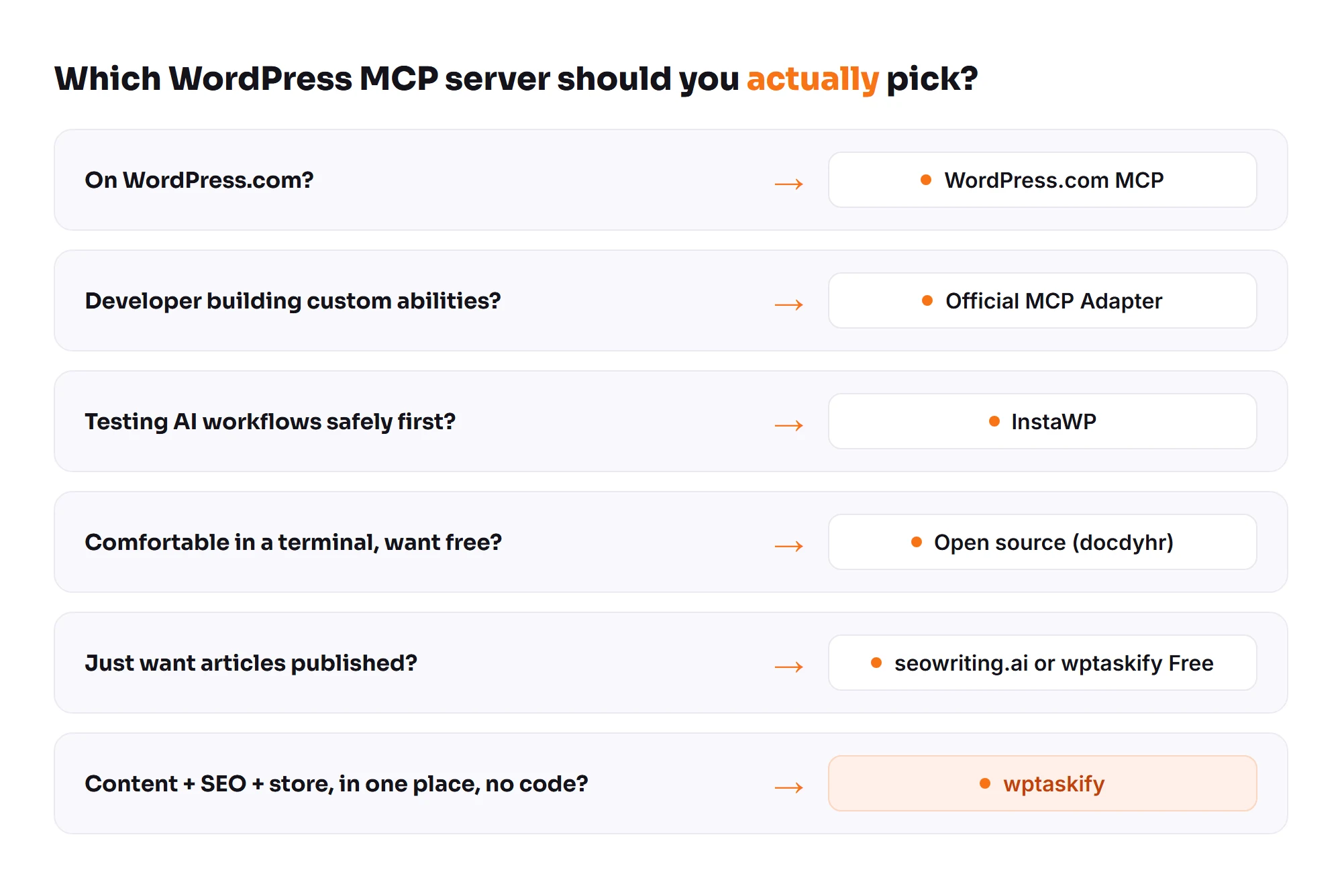
wptaskify is a WordPress MCP server built for exactly this. You install the free plugin, connect your ChatGPT (or Claude) with your own subscription, and get hundreds of tools for content, SEO, images and your store, with an approval inbox and automatic backups so nothing goes live without you. Because you bring your own AI, there is no second AI bill. To start, connect your site to Claude or ChatGPT.