Why ranking in ChatGPT now matters for your store
ChatGPT is no longer just a chat box. It searches the live web, and a growing share of shoppers ask it what to buy before they ever open Google. Referral traffic from ChatGPT to online stores has grown sharply over the past year, and for many product categories an AI recommendation now arrives earlier in the buying journey than a search result does.
This changes the goal. Classic SEO tried to win a blue link on a results page. AI search optimization tries to win a mention inside the answer itself, so that when a shopper asks ChatGPT "what is the best budget standing desk" or "where can I buy an organic cotton crib sheet", your store is one of the options it names.
The good news for Shopify and WooCommerce owners: the work that makes a store visible to ChatGPT overlaps heavily with good technical SEO. You are not starting from zero. You are adding a thin layer of AI-specific readiness on top of the fundamentals.
How does ChatGPT actually decide what to recommend?
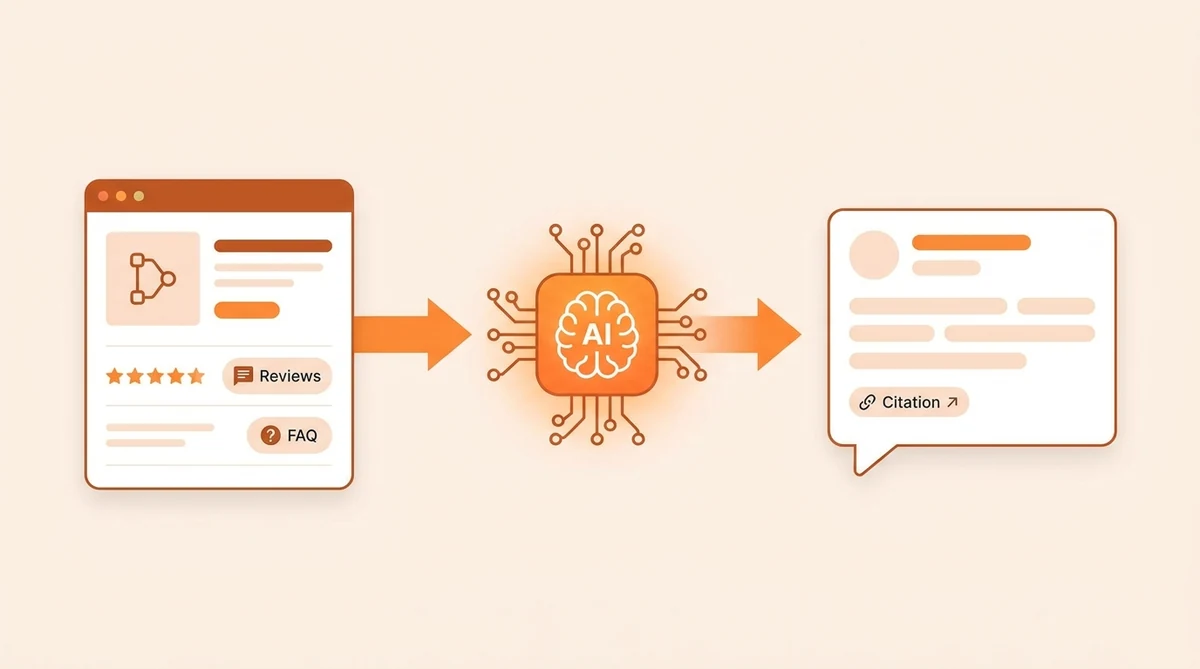
ChatGPT search does not have a public ranking algorithm the way Google does, but its behavior is consistent enough to plan around. It answers a shopping question by retrieving pages it can access, reading the structured facts on them, and citing sources it can verify. Three things decide whether your store makes the cut.
- Can it reach you? If your robots.txt blocks AI crawlers, ChatGPT cannot read your pages at all, and a page it cannot read can never be cited.
- Can it understand you? AI reads structured data and clear text far more reliably than it guesses from a messy layout. A product with complete schema, a real price, availability and reviews is easy to summarize. A bare product page is not.
- Can it trust you? Specifications, genuine reviews, a clear brand identity and consistent information across the web all signal that your answer is safe to repeat. AI systems weigh social proof and verifiable facts heavily.
Put simply, the store that is easiest for AI to reach, read and verify is the one it recommends. Everything below is about making your store that store.
Step 1: Let AI crawlers read your store
This is the single most common reason a store is invisible to ChatGPT, and it is often self-inflicted. In 2024 and 2025 a wave of advice told site owners to block AI bots to protect their content. Many did, and then quietly disappeared from AI answers.
Open yourstore.com/robots.txt and check that these user agents are not disallowed:
- GPTBot and OAI-SearchBot (OpenAI / ChatGPT)
- ClaudeBot and Claude-SearchBot (Anthropic)
- PerplexityBot (Perplexity)
- Google-Extended (Google AI / Gemini)
The search and citation bots, such as OAI-SearchBot, ClaudeBot and PerplexityBot, are the ones that can send you traffic, so you almost always want them allowed. Shopify's default robots.txt does not block them, but a custom robots.txt.liquid or an over-eager security plugin on WooCommerce might. If a bot you want is blocked, unblock it first. Nothing else on this list matters until AI can read your pages.
Step 2: Add the structured data AI reads
Structured data (also called schema or JSON-LD) is a small block of code that states your product's facts in a format machines read perfectly. It is the difference between AI guessing your price from the page and AI knowing it. Studies of AI Overviews show a large lift in selection rate for pages with complete structured data.
For a store, prioritize these schema types:
- Product with Offer (price, priceCurrency, availability) so AI can state cost and stock accurately.
- aggregateRating and review so AI can cite your social proof, which it weighs heavily when recommending.
- Organization site-wide so AI understands who you are as a brand.
- FAQPage on pages with real questions and answers, because question and answer content is one of the strongest AI-citation signals.
- BreadcrumbList so AI understands where a page sits in your store.
On Shopify, most of this comes from the theme, and gaps usually mean an older theme or a review app that is not writing schema. On WooCommerce, an SEO plugin or a dedicated schema plugin handles it. You can also have your own AI assistant generate valid JSON-LD from your real product data and add it, with no guesswork.
Step 3: Write answer-first, specific content
AI answer engines pull short, self-contained passages. A paragraph that answers a question in its first sentence is easy to lift into an answer. A paragraph that builds up to the point over five sentences is not. Write the way AI reads.
- Lead with the answer. Put the direct answer in the first sentence of a section, then explain. This article does the same thing.
- Be specific. Real numbers, materials, dimensions and use cases give AI verifiable facts to cite. Vague marketing copy gives it nothing to repeat.
- Add a real FAQ. Answer the exact questions shoppers ask about the product, in plain language, and mark it up with FAQPage schema.
- Cover buying-guide intent. Content like "best X for Y" and "X vs Z" matches how people ask AI to shop, and it gives AI a natural place to name your products.
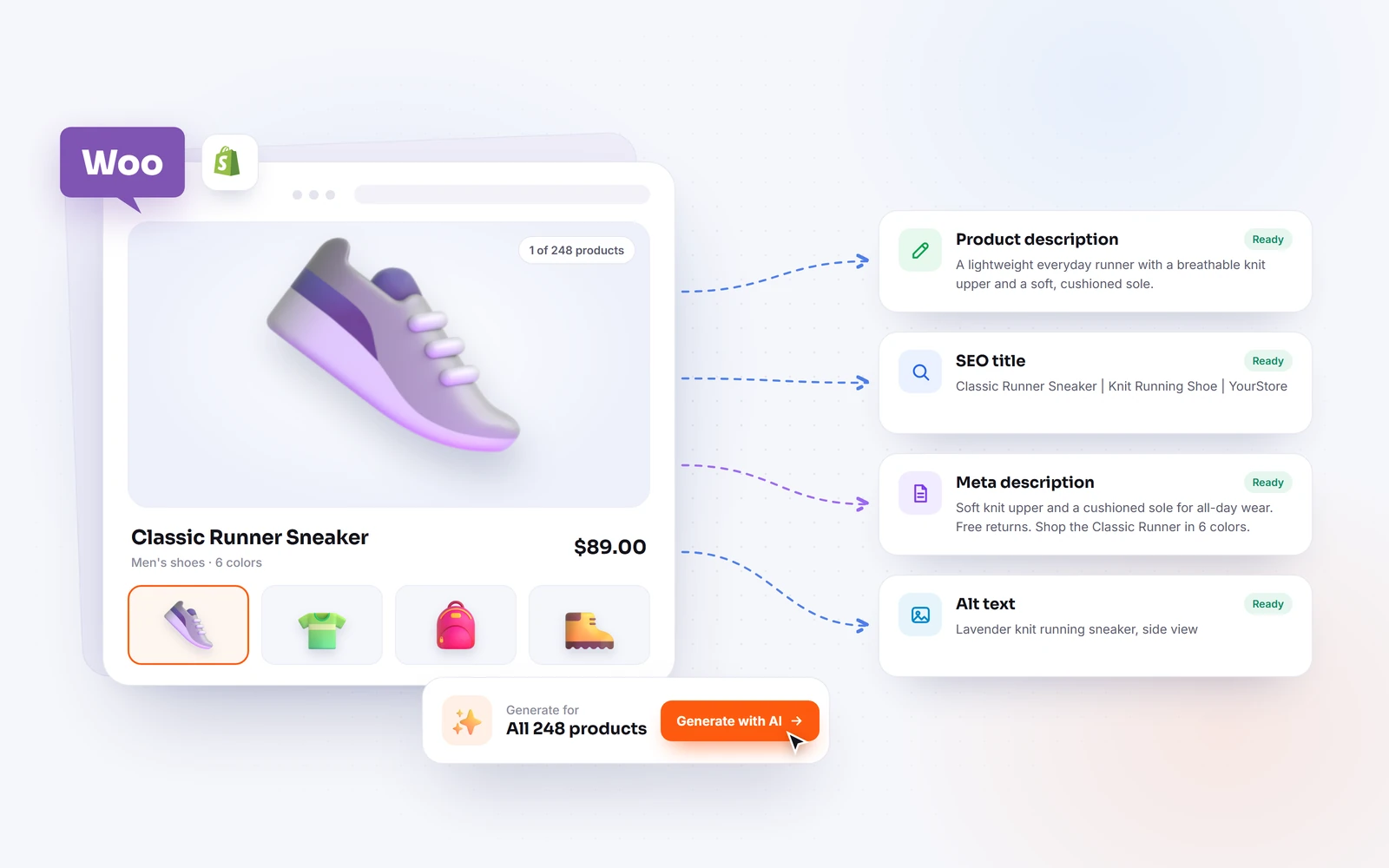
You do not need to write all of this by hand. This is exactly the kind of work an AI assistant connected to your store can do at scale, rewriting thin product descriptions into specific, answer-first copy across your whole catalog.
Step 4: Earn trust signals (E-E-A-T for AI)
Experience, Expertise, Authoritativeness and Trust are the qualities Google uses to judge content, and AI answer engines lean on the same signals when deciding whose answer to repeat. For a store, trust is not abstract. It is concrete and checkable.
- Real reviews. Genuine ratings and review text, marked up with schema, tell AI other people bought and rated this. Products with visible ratings get recommended more often.
- Clear brand identity. A consistent name, logo, about page and Organization schema help AI understand and trust who you are.
- Accurate, current facts. Correct price, stock and specifications, kept up to date, so AI never has to repeat something wrong about you.
- Consistency across the web. The same business details on your store, your social profiles and any listings. Contradictory information lowers trust.
- Policies that exist. Shipping, returns and contact pages signal a real business, and some AI shopping surfaces require them.
None of this is a trick. It is the same evidence a careful human shopper looks for, expressed in a way AI can read.
Step 5: Keep your pages fast and technically clean
A slow or broken page is a weak citation. AI systems favor pages that load reliably and resolve cleanly, and shoppers who click through from an AI answer bounce fast from a slow store. The technical basics still matter.
- Speed. Compress images, serve modern formats, and keep Core Web Vitals healthy. You can check any URL free with Google PageSpeed Insights.
- No broken links or 404s. Dead product and collection URLs waste crawl budget and undermine trust. Scan and fix or redirect them.
- Correct canonicals. On Shopify especially, collection-scoped product URLs and variant URLs must canonical to the clean product URL, or you split your signals across duplicate pages.
- One clear H1 per page and a sensible heading structure so AI can parse the page's hierarchy.
These are ordinary technical SEO fixes. They help you in Google and in AI search at the same time, which is why AI readiness is best treated as an extension of good SEO, not a separate project.
How do I check if my store is already AI-ready?
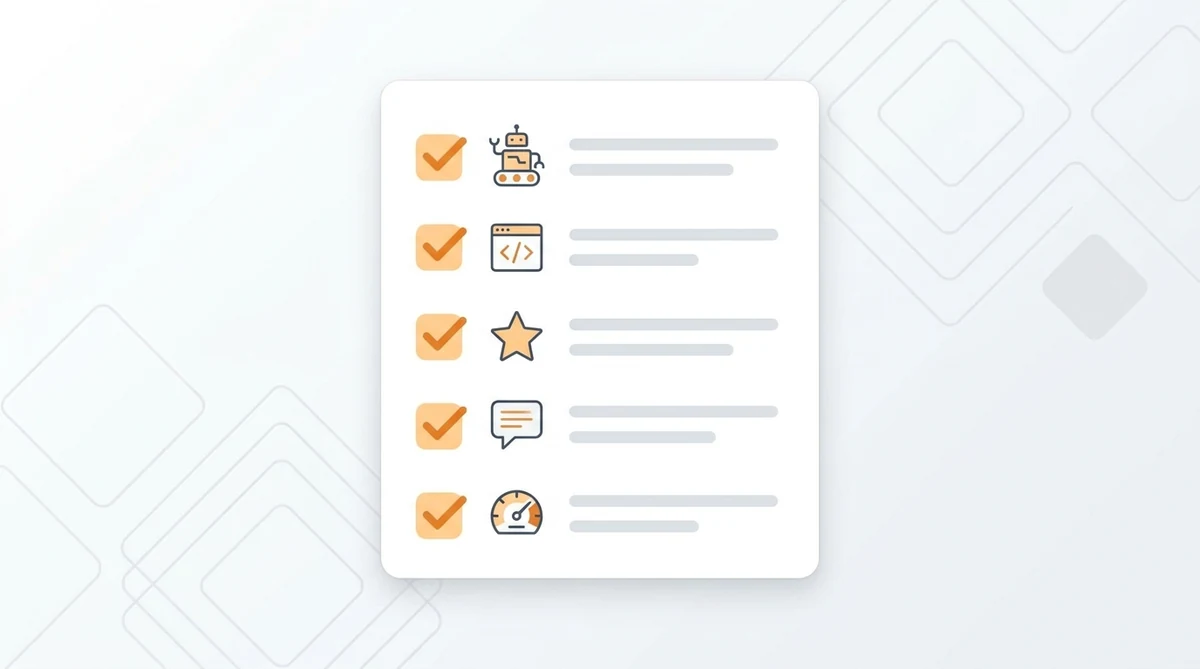
Check it directly instead of guessing. There are three practical ways, from quickest to most complete.
- Ask the AI itself. Open ChatGPT and ask it to describe your store or recommend products in your category. If it cannot find you, or describes you wrongly, that is your gap.
- Inspect the fundamentals by hand. Read your robots.txt for blocked AI bots, view a product page's source for JSON-LD, and confirm reviews and an FAQ are present and marked up.
- Run an AI-readiness score. A tool that checks crawler access, schema depth and content signals gives you a single number and a fixable checklist, so you know exactly what to change first.
wptaskify includes a free AI-readiness check for Shopify stores that does exactly this: it reads your robots.txt, homepage and product pages, then scores whether AI shopping engines can find and cite you, with a plain-language list of what to fix.
Shopify vs WooCommerce: does the platform change anything?
The strategy is identical on both platforms. What differs is where you make each change. The signals AI cares about, crawler access, schema, content, reviews, speed, are the same everywhere.
- Shopify. robots.txt is edited through
robots.txt.liquid; product schema comes from the theme; canonical handling is mostly automatic but breaks in some themes on collection and variant URLs. Watch for older themes that emit incomplete Product schema. - WooCommerce. You have full control through your theme and plugins. An SEO plugin handles meta and schema; a security plugin can accidentally block AI bots or the REST API. You can edit robots.txt and schema directly.
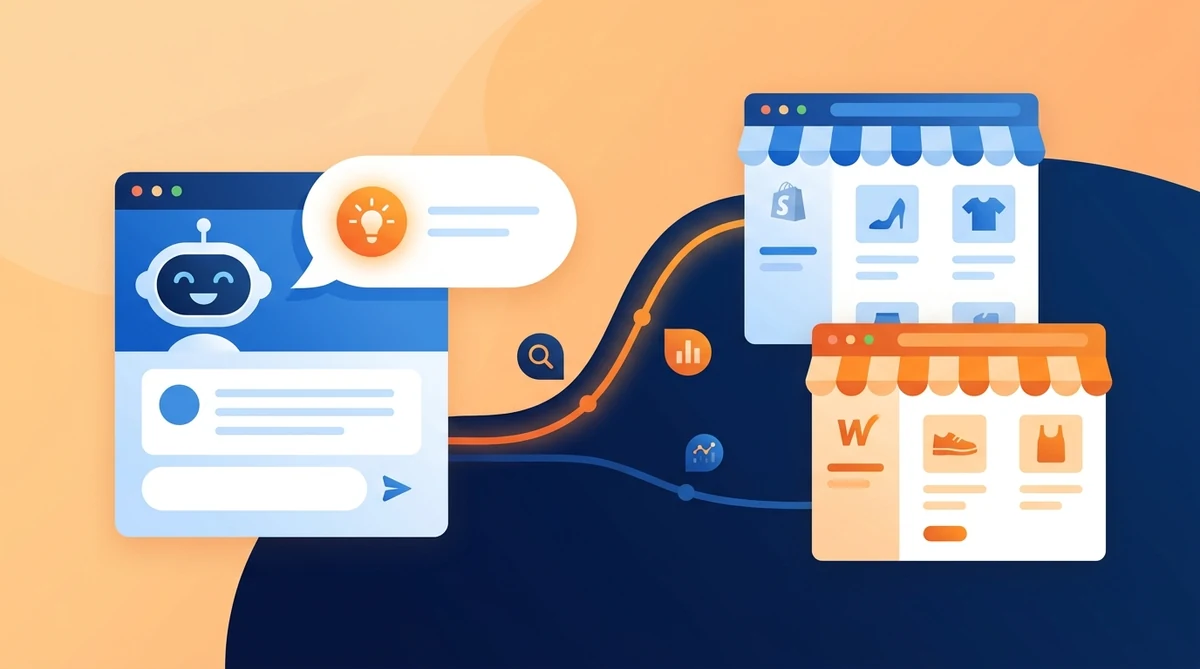
Because the underlying work is the same, an AI assistant connected to your store can apply the fixes on either platform: writing schema, rewriting descriptions, generating an FAQ, and flagging blocked crawlers, whether you run Shopify or WooCommerce.
A realistic 2026 workflow to get cited by ChatGPT
Ranking in ChatGPT is not one big change. It is a short, repeatable loop. Here is a workflow that works for a small store owner without a technical team.
- Audit. Run an AI-readiness check and a normal SEO audit to see what is blocking you, from robots.txt to missing schema to thin descriptions.
- Fix the blockers first. Unblock AI crawlers, then add Product, Organization and FAQ schema. These are the changes that turn you from invisible to readable.
- Improve content at scale. Rewrite thin product descriptions into specific, answer-first copy, add FAQs, and create a few buying guides for your top categories.
- Strengthen trust. Turn on reviews, mark them up, and keep prices and stock accurate.
- Measure and repeat. Ask ChatGPT about your store again in a few weeks, watch AI referral traffic in your analytics, and fix the next gap.
Done with an AI assistant connected to your store, most of this is prompting and review rather than manual editing. You ask for the fix, the AI applies it across your catalog, and you approve the result. That is how a solo owner keeps up with AI search without a dedicated SEO hire.
The takeaway
Ranking in ChatGPT search in 2026 comes down to one idea: make your store the easiest in your category for AI to reach, read and trust. Allow the crawlers, add the structured data, write answer-first content, earn real trust signals, and keep the pages fast. Each of those helps your traditional SEO too, so none of it is wasted effort.
Start by finding out where you stand. Check whether AI can already see your store, fix the blockers in order, and treat AI readiness as a habit rather than a one-time task. The stores that do this now will be the ones AI names when a shopper asks what to buy.