Why an SEO plugin is the start, not the finish
Most WooCommerce owners install Yoast or Rank Math and consider SEO handled. Those plugins are genuinely useful: they manage meta titles and descriptions, generate a sitemap, add basic schema and give you readability hints. But they are the floor, not the ceiling.
A plugin cannot write unique, specific product descriptions for you. It cannot fix a slow theme, a bloated page or a security plugin blocking AI crawlers. It cannot build topical authority or earn reviews. And it does not, on its own, make your store citable by ChatGPT or Google AI Overviews. Those are the things that actually move rankings and AI visibility in 2026.
This guide covers the work beyond the plugin: technical health, product and category optimization, schema depth, AEO structure, and AI readiness. That is where WooCommerce stores win or lose search today.

Technical SEO: the foundation WooCommerce owners neglect
WooCommerce runs on WordPress, which gives you full control, and full responsibility, for technical health. This is where many stores quietly lose rankings.
- Speed. WooCommerce stores are often slow from heavy themes, too many plugins and unoptimized images. Compress images, serve WebP, use caching, and keep Core Web Vitals healthy. Speed is both a ranking factor and a conversion factor.
- Crawlability. Make sure your important pages are indexable and your sitemap is submitted. Critically, check that a security plugin is not blocking search or AI crawlers or the REST API.
- Clean URLs and canonicals. Avoid duplicate content from product tags, filtered and sorted category URLs, and pagination. Set canonicals correctly so signals are not split.
- No broken links or 404s. Deleted products and changed URLs leave dead links. Scan regularly and add 301 redirects.
None of this is glamorous, but it is the foundation. A fast, clean, crawlable store is the prerequisite for everything else, including AI visibility.
Product page SEO: beyond the meta fields
Your product pages are the pages that make money, so they deserve the most SEO attention. The plugin sets the meta title and description; you still need to optimize the page itself.
- Unique, specific descriptions. Do not use manufacturer copy that hundreds of other stores also use. Write original, benefit-first descriptions with real specs, per product.
- Answer-first structure. Open with what the product does for the buyer, then a spec list, then a short FAQ answering real questions. This wins snippets and AI citations.
- Image alt text. Descriptive alt text on every product image for accessibility, image search and AI visual matching.
- Reviews. Enable and display product reviews, and make sure they are marked up so they appear as rating stars and feed AI trust signals.
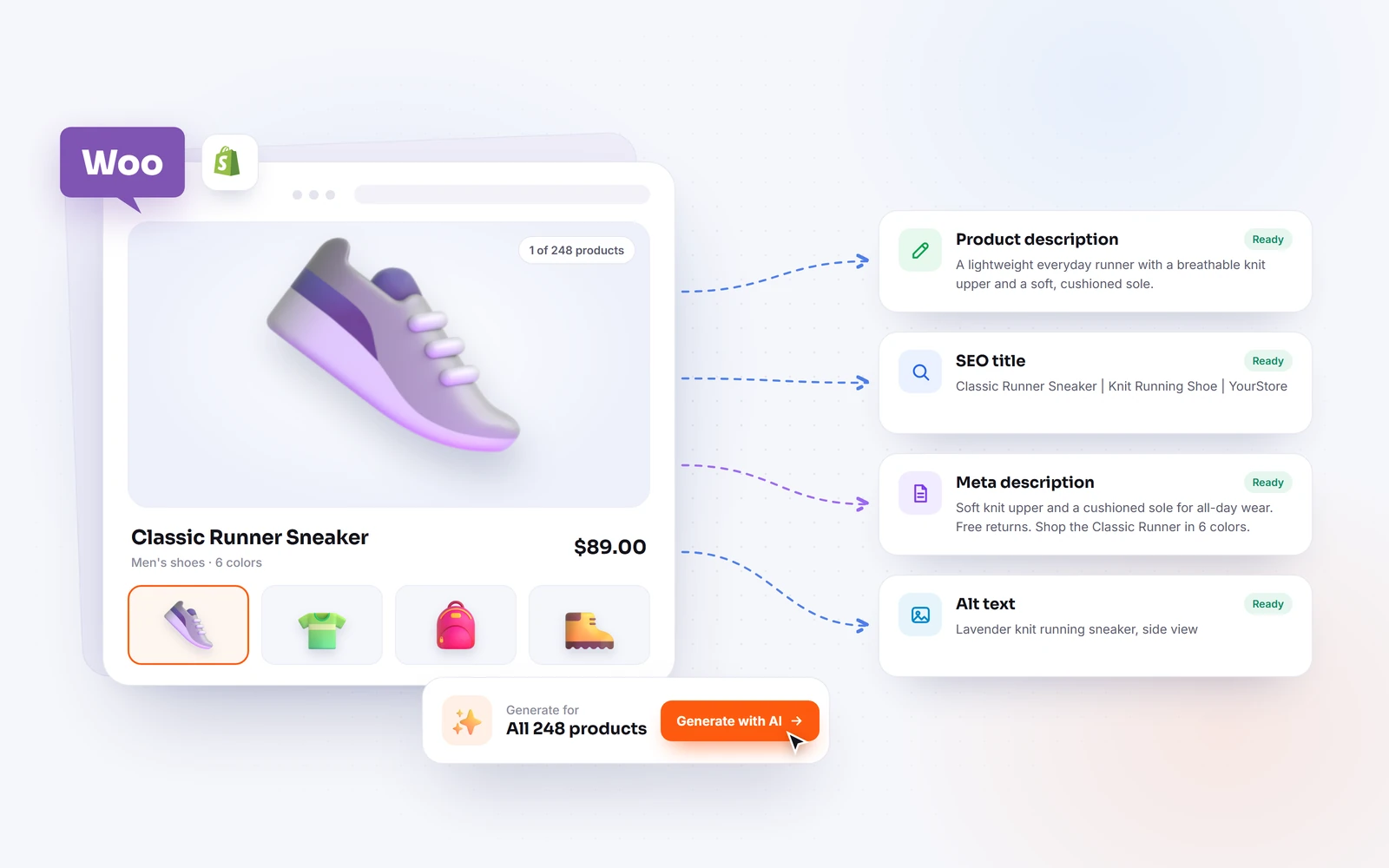
Doing this by hand across a large catalog is the real barrier, which is why so many WooCommerce stores have thin product pages. Bulk AI generation, reviewed before publishing, is how you finally get it done.
Category page SEO: the overlooked ranking opportunity
Category (shop and collection) pages are among the best ranking opportunities in an e-commerce store, because they target broad, high-intent terms like "womens running shoes". Yet most WooCommerce category pages are just a grid of products with no text.
- Add real descriptive copy. A few hundred words of genuine, useful content on the category, what to look for, who it suits, how to choose, gives Google and AI something to rank and cite.
- Answer buying questions. Category pages are perfect for "best X for Y" and "how to choose X" content that matches research queries.
- Keep them indexable and clean. Make sure filtered and paginated versions do not create duplicate, thin, indexable pages competing with the main category.
Optimized category pages often rank for more valuable terms than individual products. Treat them as content pages, not just product lists.
Schema: what Yoast adds and what it misses
Structured data helps Google and AI understand your pages, and it is essential for rich results and AI citations. SEO plugins add some schema automatically, but there are usually gaps to fill.
- Product schema with Offer (price, availability) so your listings show price and stock and AI can cite them accurately.
- aggregateRating and review schema so your star ratings appear and AI sees your social proof.
- FAQPage schema on product and category pages that have real questions.
- Organization and BreadcrumbList for brand understanding and navigation context.
Check what your setup already outputs, then fill the gaps. An AI assistant connected to WooCommerce can generate valid JSON-LD from your real product data and add exactly the schema types you are missing, without you writing code.
AEO and AI: making WooCommerce citable by AI
In 2026, being found also means being cited by AI answer engines, ChatGPT, Perplexity, Google AI Overviews. WooCommerce gives you the control to do this well, if you use it.
- Allow AI crawlers. Confirm your robots.txt and any security plugin do not block GPTBot, OAI-SearchBot, ClaudeBot, PerplexityBot or Google-Extended. This is the most common WooCommerce mistake, because security plugins block aggressively.
- Deep structured data. The Product, review, Organization and FAQ schema above is what AI reads to understand and trust your store.
- Answer-first content. The product and category copy that wins snippets also wins AI citations. Write once in that style.
- Trust signals. Real reviews, clear policies and consistent brand information make your store safe for AI to recommend.
WooCommerce's openness is an advantage here: you can edit robots.txt, add any schema and control your content directly, which makes full AI readiness achievable without platform limits.
WooCommerce vs Shopify for SEO: which ranks better?
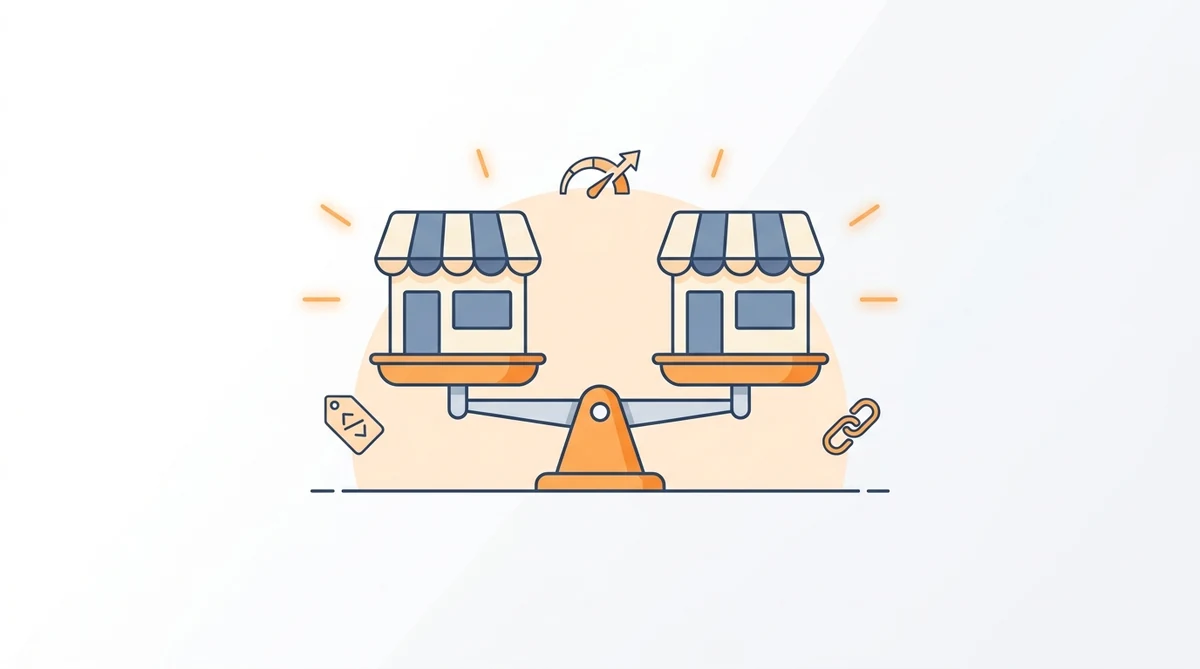
Neither platform ranks better by default. SEO success depends on the work you do, not the logo on your cart. Both can rank at the top and both can be invisible. What differs is the control and the trade-offs.
- WooCommerce gives more control. Full access to robots.txt, schema, URLs, server and code means no platform ceiling on SEO. The trade-off is that speed and technical health are your responsibility, and it is easier to break things.
- Shopify is more managed. Fast hosting and sensible defaults out of the box, but less control over some technical details and a few structural quirks like collection and variant URL duplication.
For SEO specifically, WooCommerce's control is a real edge if you use it well, because there is no limit you cannot reach around. The catch is that the same freedom lets an unoptimized store fall behind. The winner is the store that does the work, on either platform.
A WooCommerce SEO checklist for 2026
Put it all together into a checklist you can run against your store. Work top to bottom; the earlier items unlock the later ones.
- Install and configure an SEO plugin (Yoast or Rank Math) for meta and sitemap basics.
- Fix speed: compress images, serve WebP, cache, trim heavy plugins, watch Core Web Vitals.
- Ensure crawlability: indexable key pages, submitted sitemap, no security plugin blocking crawlers or the REST API.
- Clean up duplicates: correct canonicals on tag, filter and pagination URLs; fix broken links with redirects.
- Write unique, answer-first product descriptions with specs and FAQs.
- Add real descriptive copy to category pages targeting buying-intent terms.
- Fill schema gaps: Product, review, FAQPage, Organization, Breadcrumb.
- Enable reviews and mark them up.
- Allow AI crawlers and confirm your store is readable by AI answer engines.
This is more than any single plugin does, and it is exactly the work that separates a WooCommerce store that ranks and gets cited from one that does not.
Common WooCommerce SEO mistakes to avoid
A handful of errors keep WooCommerce stores stuck. Fix these and you move ahead of most competitors on the same platform.
- Relying on the plugin alone. Installing Yoast and stopping there leaves thin product pages, missing schema and technical debt untouched.
- A security plugin blocking crawlers. Aggressive security settings can block Googlebot, AI crawlers or the REST API, quietly removing you from search and AI answers. Check this explicitly.
- Duplicate manufacturer descriptions. Copy used by many stores gives you no unique content to rank. Write your own.
- Thin, text-free category pages. A bare product grid wastes your best ranking opportunity. Add real copy.
- Ignoring speed. A heavy theme and plugin bloat slow the store, hurting both rankings and conversions.
- Indexing filtered and sorted URLs. Faceted navigation can spawn hundreds of thin duplicate pages. Control what is indexable.
Most of these are invisible until you look for them, which is why a periodic audit, by you or an AI assistant, matters as much as the initial setup.
Internal linking and content that supports your products
Products and categories rarely rank alone. They rank faster when supporting content links to them and builds topical authority around them. This is where a WooCommerce store turns its blog into an SEO engine.
- Buying guides. "How to choose X" and "best X for Y" articles match research queries, trigger AI Overviews, and link naturally to your product and category pages.
- Comparisons. "X vs Z" content captures shoppers deciding between options and points them to the right product on your store.
- Internal links. Link guides to categories, categories to top products, and related products to each other, so authority flows to the pages that convert.
Because WooCommerce is WordPress, this content and these links live in the same system as your store. An AI assistant can draft the guides, add the internal links, and keep the cluster connected, so your content actively pushes your products up the rankings.
How AI makes this workload manageable
The honest problem with the checklist above is volume. Writing unique descriptions, adding schema, building category copy and auditing technical issues across a full catalog is a lot of work, which is why most stores stop at the plugin.
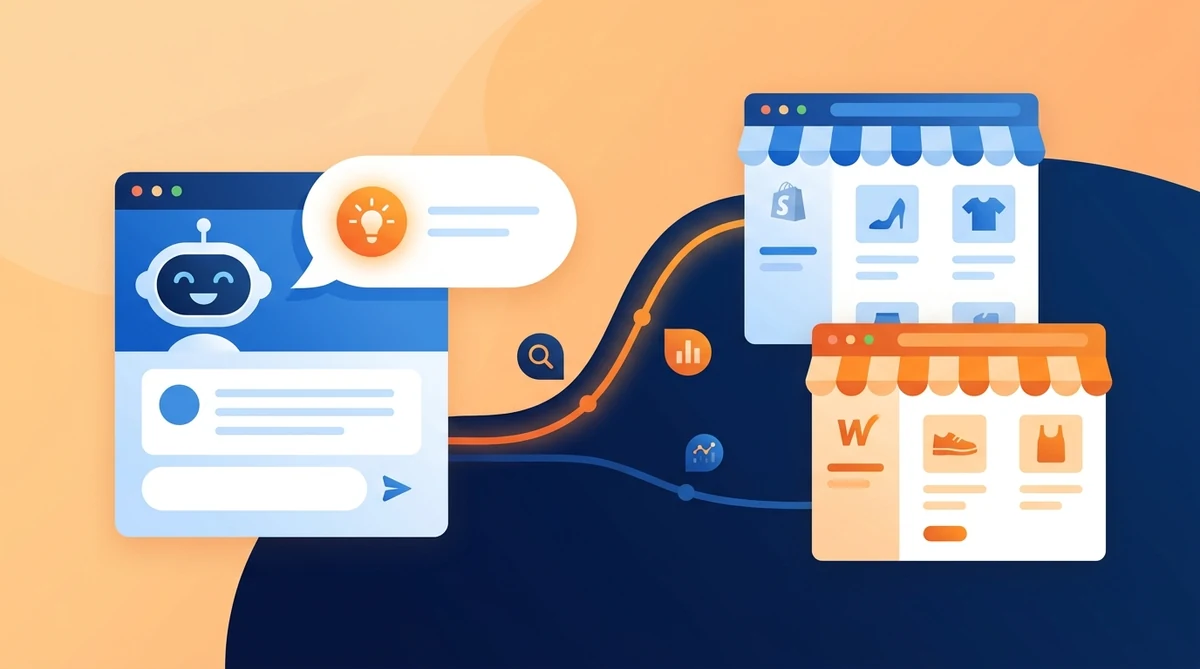
An AI assistant connected to your WooCommerce store changes the economics. Because a WooCommerce product is a WordPress post, the same AI that manages your content can: rewrite product and category copy at scale, generate and add the schema you are missing, write alt text, audit for thin content, broken links and blocked crawlers, and fix them, all with your approval before anything goes live. You bring your own Claude or ChatGPT, so there is no second AI bill, and you stay in control of what publishes.
That turns the 2026 WooCommerce SEO checklist from a project you never finish into a routine you can actually run.
The takeaway
WooCommerce SEO in 2026 is not a plugin you install and forget. The plugin handles the basics; the wins come from fast, clean, crawlable pages, unique answer-first product and category content, complete schema, real reviews, and AI-crawler access that makes your store citable by ChatGPT and Google AI Overviews.
WooCommerce gives you the control to do all of it without platform limits. The barrier has always been the sheer volume of work, and that is exactly what an AI assistant connected to your store removes. Do the fundamentals, layer on AEO and AI readiness, and let AI carry the repetitive work, and a WooCommerce store can rank and get cited with the best of them.