Why product descriptions are worth automating
Product descriptions are the most repetitive writing task in any store. Every product needs one, they follow a similar shape, and a large catalog can have hundreds of them. Writing each by hand is slow, and leaving them empty or copying the manufacturer's text hurts both conversions and SEO.
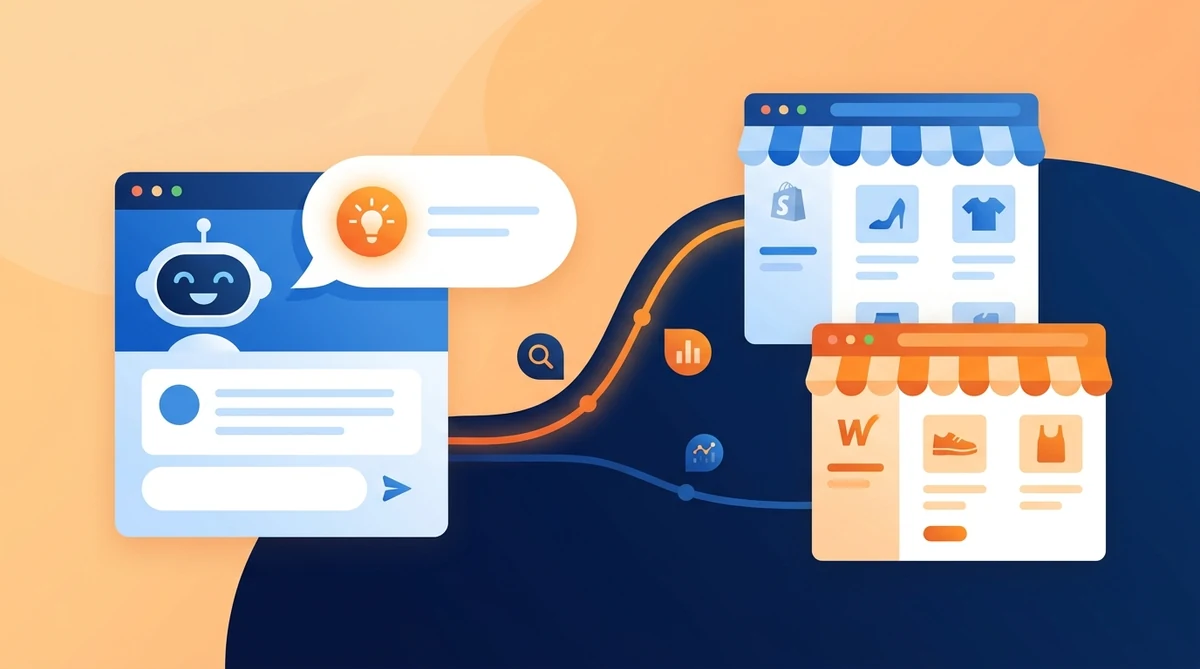
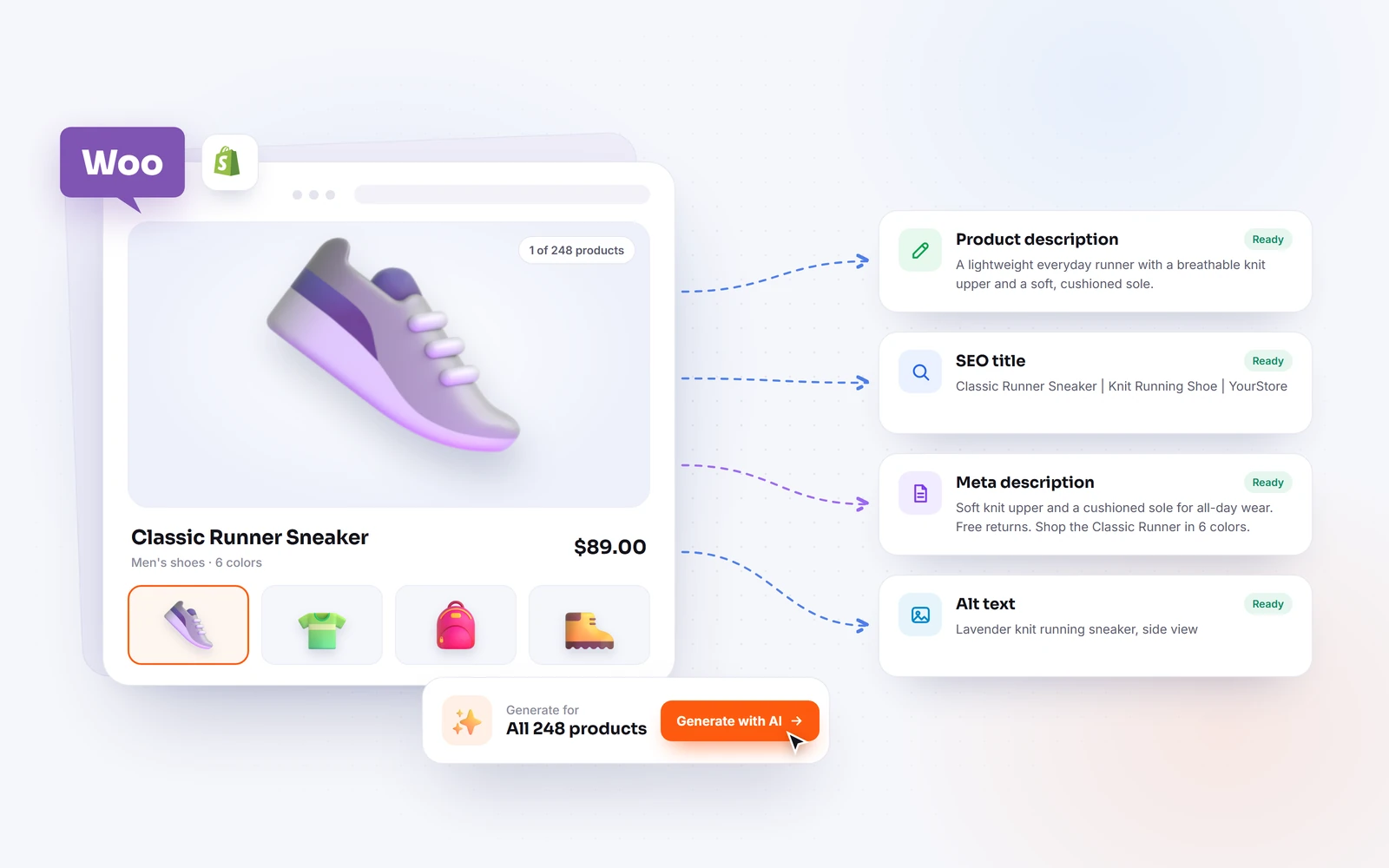
This is exactly the kind of work AI is good at. When your AI is connected directly to WooCommerce, it does not just draft text in a chat window, it writes the description onto the product, so there is no copy and paste. You can do one product, or the whole catalog, with a single request.
How WooCommerce connects to AI
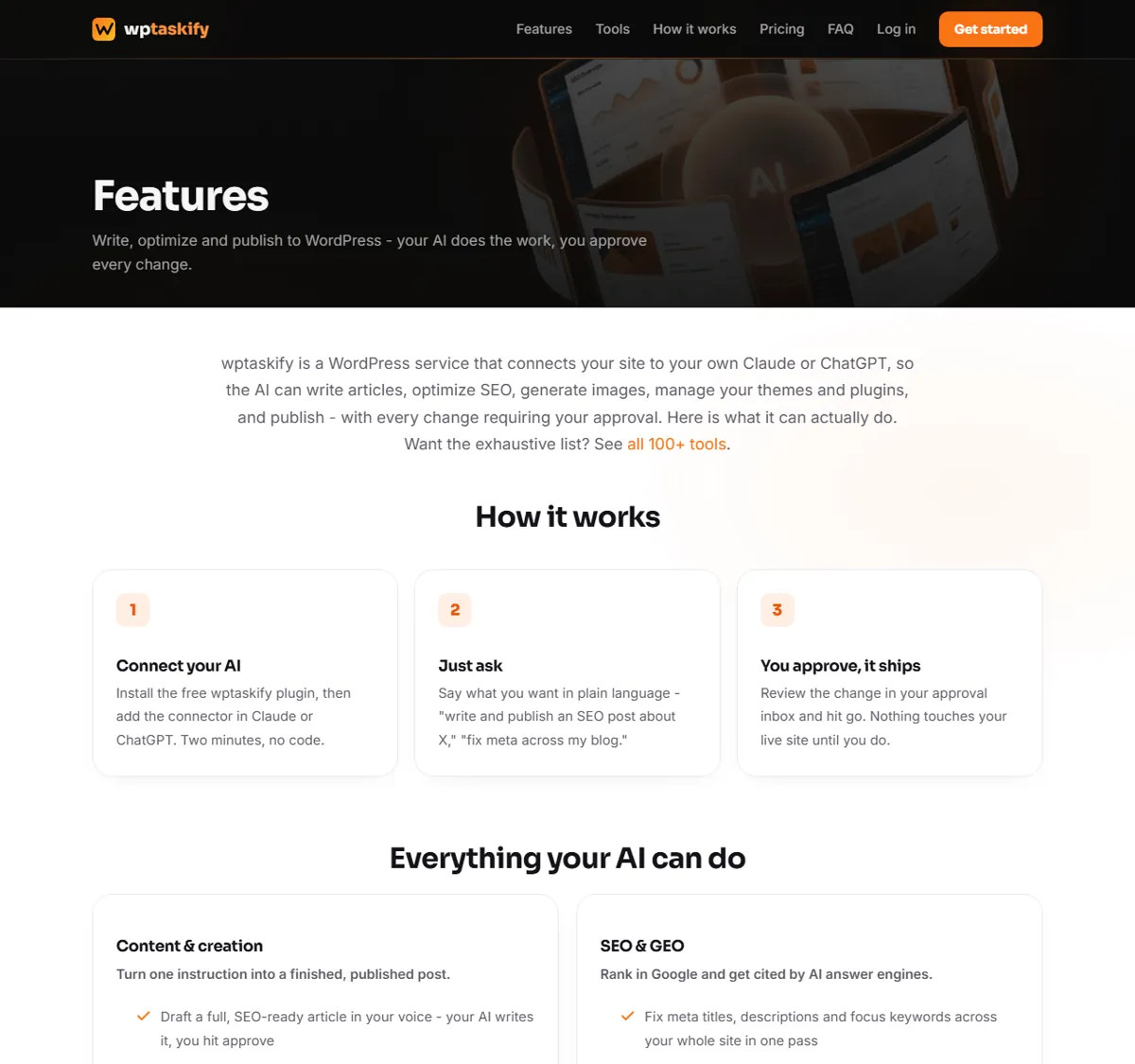
WooCommerce runs on WordPress, so it connects to AI the same way a WordPress site does: through an MCP connector using a WordPress Application Password over HTTPS. There are no separate WooCommerce API keys to create. Once your site is connected, the AI gains both the WordPress tools and the WooCommerce store tools.
If you have not connected yet, follow our step-by-step guide to connecting WordPress to Claude or ChatGPT first. It takes about two minutes, and the same connection powers everything in this guide.
Step 1: Write a single product description
Start with one product so you can see the style before you scale up. Ask the AI something like: "Write a description for my product 'Merino Wool Socks' that highlights warmth, comfort and durability, in a friendly tone." The AI reads the product's name and attributes, writes a description, and can save it straight to the product.
Review the result on the product page. Adjust your instruction for tone, length or detail, and regenerate if needed. Once you are happy with the style, you are ready to apply it across many products.
Step 2: Generate descriptions in bulk
The real time saving is bulk generation. Ask the AI to "write descriptions for all products that are missing one", and a capable connector will find the empty products and fill them. This is ideal right after a catalog import, when dozens or hundreds of products arrive with blank descriptions.
Good bulk tools preview before they write, so you can check a sample first, then apply. They also target only the products that need work, so you are not overwriting descriptions you already wrote by hand.
Step 3: Set product SEO at the same time
A description is only half the job. Each product page also needs an SEO title and meta description so it can rank in Google and be understood by AI answer engines. When your AI is connected, it can write these too, either per product or in bulk across the catalog.
Because a WooCommerce product is a WordPress post under the hood, the same SEO tools that work on your blog posts work on products. That means titles, meta descriptions and schema are all within reach. For the bigger picture on ranking in AI answers, see our guide to getting cited by ChatGPT, Perplexity and Claude.
Writing descriptions that actually convert
AI writes better descriptions when you tell it what matters. A few habits help:
- Give it the angle. Tell the AI the main benefit or the target buyer, not just the product name.
- Set the tone. Friendly, premium, technical or playful, the AI will match it if you say so.
- Ask for structure. A short opening line, a few benefit bullets, and a closing sentence reads well and scans easily on mobile.
- Keep it honest. Have the AI describe real attributes, and review for accuracy before publishing.
These small instructions turn a generic paragraph into copy that sells, and they cost nothing but a sentence in your prompt.
Beyond descriptions: what else AI can do in WooCommerce
Product descriptions are the starting point, not the limit. Once connected, the AI can manage far more of the store for you:
- Create and edit products, set prices and put items on sale.
- Update stock levels and manage variations and attributes.
- Generate product images with AI and set them.
- Organize product categories and tags.
- View orders, update their status, and process refunds.
- Create coupons, manage customers and moderate product reviews.
The same plain-language workflow drives all of it, so once you are comfortable generating descriptions, the rest of the store is just as easy to run by asking.
Will AI-written descriptions hurt my SEO?
No, as long as they are genuinely useful and accurate, which is what a well-guided AI produces. Google rewards helpful, original content that answers what a shopper needs to know. Thin, duplicated manufacturer text is the real SEO risk, and that is exactly what AI-written, benefit-focused descriptions replace.
Review the output, add any detail only you know about the product, and set a clear SEO title and meta description. Done that way, AI-assisted product pages can rank well and read naturally to shoppers.
Do it once, then keep it easy
The first bulk run is the big win: an entire catalog goes from empty or copied text to clear, original descriptions with proper SEO, in minutes instead of days. After that, every new product is a one-line request. You add the product, ask the AI to describe it and set its SEO, review, and publish.
For a solo store owner that means never falling behind on product copy again. For a growing catalog it means consistent quality without hiring a copywriter. Connect once, start with a single product, scale to bulk when you trust the style, and let the AI handle the repetitive writing while you focus on the products themselves.