Quick answer
Every demonstration of an AI website builder ends the same way: a finished site, a happy narrator, and a number that sounds impossible. What the demonstrations rarely count is the work the person did between the prompts. This article counts it.
The source is a published walkthrough by Ferdy Korpershoek, who built a complete WordPress site using Elementor's own MCP integration with Claude and recorded the whole thing, including the parts that did not work. He put the AI cost at around $21. He also mentioned that the earlier version of that site had cost him about €36,000 to have built conventionally.
Both numbers are real. The gap between them is what everyone repeats. The nine interruptions in between are what nobody mentions, and they are the reason a two hour demonstration turns into a two day project when you try it yourself.
1. What the AI genuinely did well
Start with the honest part, because dismissing this technology would be its own kind of dishonesty.
Working from screenshots, the AI rebuilt a hero section, a header with a sticky scroll state, a footer, an archive page with working filters, a single post template, a search overlay, and a contact form with conditional logic, where choosing one option from a dropdown made a budget field appear. It wrote animation code for cards that tilt toward the cursor. It produced a cookie consent banner that shows different text to visitors in Europe and the United States.
None of that is trivial. A developer would bill days for it. The output used Elementor's native elements rather than dumped custom HTML, which matters because native elements stay editable afterwards.
So the capability is real. The question worth asking is a different one.
2. The nine times a human had to step in
These are taken from the recording itself, in the order they happened.
Custom post types
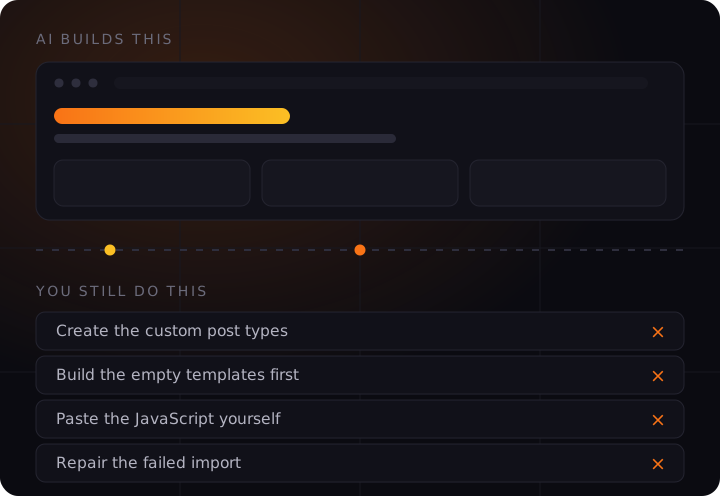
Asked to use ACF for custom post types, the AI replied that this was outside its scope. The custom post types had to be created by hand before anything could use them. Later, those post types also had to be enabled manually in Elementor's settings before templates would apply to them.
Theme Builder templates
Three times, the AI could not proceed until an empty template already existed. For the single post layout, the footer, and the search results page, the person had to open Elementor's Theme Builder, create a blank template, set its display conditions, and publish it. Only then could the AI fill it in.
Custom code snippets
Three separate times, the AI produced JavaScript and instructed the person to paste it into Elementor's custom code area, choose the correct injection location, and publish. The cursor animation, the mobile menu, and the filter scroll behaviour all worked this way. The AI wrote the code; a human installed it.
The comments widget
The AI reported that it could not add the comments element to the post template. That was added by hand.
A page that broke when opened
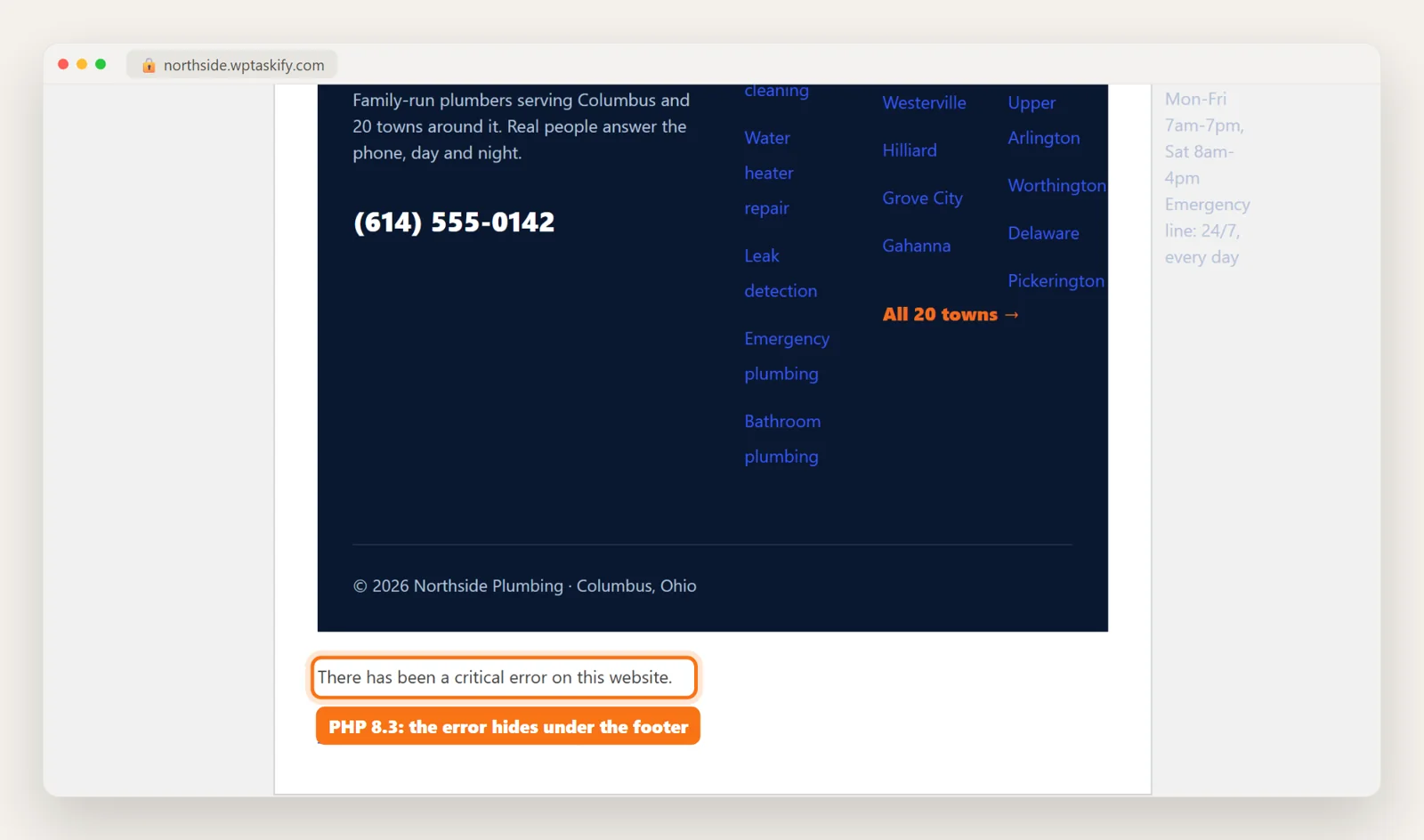
A tutorial page rendered incorrectly because its content had been created in Elementor rather than the WordPress editor. The fix was to open the post, switch it back to the standard editor, and save it again.
Breadcrumbs
Breadcrumbs required Yoast or Rank Math to be installed. Neither was, so that part was left undone. Structured data is one area where the plugin layer still does work the AI will not, which is covered in WooCommerce SEO in 2026: beyond Yoast.
Images
Several images, including the advertisement placements in the post template, had to be uploaded and placed manually. The narrator's own comment was that sometimes he needs to do something himself, and that this is part of the process right now.
The content import
This is the one worth dwelling on. Moving existing knowledge base entries from the old site to the new one failed at WordPress's importer. The workaround was to hand the broken XML export to the AI and ask it to rewrite the file into a format the importer would accept. It worked. It is also not a feature, and the alternative he described was copying entries across one at a time over several hours. If you are moving an existing site, read how to auto-publish AI articles to WordPress before you start moving content by hand.
Read the pattern, not the list. Every one of those interruptions happens at a boundary: where the AI meets a plugin it does not control, a template that does not exist yet, or a settings screen it cannot reach. The AI was fluent inside the page builder and blocked everywhere outside it.
3. What this means for the time estimate
A demonstration compresses badly. The person doing it already knew that Theme Builder templates must exist first, already knew where Elementor hides its custom code panel, already knew that a post created in the builder needs converting back. He hit each obstacle and cleared it in seconds because he had seen it before.
Someone new to WordPress hits the same nine obstacles without knowing any of that. Each one becomes a search, a forum thread, and a guess. This is the difference between a two hour recording and a weekend.
None of that is a criticism of the tool. It is a criticism of how these results get reported, including by people with nothing to sell.
4. The cost lesson that almost nobody mentions
The $21 figure came with a caveat that deserves more attention than the headline.
At one point during the build, a higher effort mode was switched on for a single task. That one task added roughly $20 and doubled the running rate. The narrator's own assessment was that it had been unnecessary, and he compared it to shooting a rabbit with a cannon.
Read that again, because the ratio is the point. One task, chosen carelessly, cost as much as the entire rest of the site.
If you connect your own assistant to your site, this is worth understanding before you start: connecting WordPress to Claude or ChatGPT puts the usage bill on your account, not the tool vendor’s. When you pay for your own AI usage, model and effort selection is a cost decision on every single prompt. Rebuilding a hero section from a screenshot needs the capable setting. Changing a heading colour does not. Most people discover this by reading their bill.
5. Myths and facts
AI replaces the developer entirely
In this build the AI did the design and layout work and could not touch plugin configuration, template creation, or settings screens. It replaced the visual assembly. It did not replace the person who knows where things live.
You describe it once and it appears
Nearly every element took several rounds. Counters animated in the wrong order. Cards tilted only on hover instead of tracking the cursor. Spacing needed correcting. The narrator's own conclusion was that you have to be very clear in how you explain things, and that vague description produces vague results.
The savings are pure profit
The $21 covered AI usage. Hosting, a domain, and an Elementor Pro licence are separate, ongoing, and were paid for on camera. The honest comparison is $21 plus subscriptions against a quoted build, not $21 against €36,000.
Screenshots work better than descriptions
The most reliable method in the entire recording was visual. Screenshot a layout you like, crop it, hand it over, and ask for a rebuild. Three images of a colour scheme changed the whole site's palette in one instruction. Reference beats adjectives.
Native elements matter
Output built from the page builder's own elements stays editable in the builder afterwards. Output dumped as custom HTML does not, and you are then locked into asking the AI for every future change. Worth checking before you commit to any tool.
Compliance is genuinely fast now
A single instruction produced a region aware cookie consent banner plus disclaimer, cookie policy and affiliate disclosure pages. This used to be a paid plugin and an afternoon. That part of the claim holds up.
6. Before you start, check these
Run this against any AI website tool you are considering. The answers decide whether your experience looks like the demonstration or nothing like it.
Can it create templates, or only fill existing ones? If it needs an empty template first, you will be doing that setup by hand for every layout on the site.
Can it reach plugin settings? Custom post types, form handlers and SEO plugins usually sit outside what these tools can touch.
Does it install its own code? If it hands you JavaScript to paste somewhere, that is a manual step disguised as automation.
Is the output editable without the AI? Native elements keep you independent. Generated HTML blobs make the tool permanent.
Can you move existing content in? This is the least demonstrated and most painful part of every migration.
Who holds the site if you stop paying? Ask before you build, not after.
What are the recurring costs underneath the AI bill? Hosting, licences and plugins continue whether or not you prompt anything this month.
Do you control the model and effort level? One careless setting doubled the bill in the build described above.
7. How to work with these tools well
- Work from references, not adjectives. Screenshot the layout you want and hand it over. "Modern and clean" produces nothing repeatable; an image produces something specific.
- Do the setup first. Create your post types, your empty templates and your plugin configuration before you start prompting. Every interruption in that recording was setup that had not been done yet.
- One change per instruction when correcting. Bundled corrections come back partly done, and you cannot tell which part of the instruction failed.
- Say what you do not want. The tilt animation had to be restricted to desktop explicitly. Nothing is excluded unless you exclude it.
- Match the effort setting to the task. Reserve the expensive modes for genuine design work. This is the single largest cost variable you control.
- Check every layout at phone width. It was correct most of the time in that build, and wrong enough times to matter.
8. The honest summary
Being generated well and being found are different problems. A page an AI wrote still has to earn citations from the engines people now ask, which is the subject of getting cited by ChatGPT and Perplexity and ranking in Google AI Overviews.
The capability is real and it is improving quickly. A person who understands WordPress can now build in hours what used to take weeks, and the design quality holds up.
The gap is not in the generation. It is in everything around the generation: the plugin that will not configure itself, the template that must exist first, the code that arrives as a copy and paste instruction, the content that will not import. Those boundaries are where the time actually goes, and they are invisible in every demonstration because the person recording already knows how to clear them.
If you are choosing a tool, the question worth asking is not what it can generate. It is where it stops, and whether you know how to carry on from there.
Why we built ours differently. wptaskify sites have no plugin layer to configure, no templates to pre create, and no code to paste anywhere, because the AI controls the whole site rather than one builder inside it. That removes the nine interruptions described above. It is a different trade: you get a site that is genuinely built by conversation, and you do not get the WordPress plugin ecosystem. Which one is right depends on what you actually need, and we would rather you knew that before you started than after.
Source: Ferdy Korpershoek's published walkthrough of the Elementor MCP integration, which is worth watching in full if you want to see the process rather than the summary. The manual steps and cost figures above are taken from that recording. The Elementor MCP was in beta at the time it was made, and several of these limitations are likely to be temporary.